Diagram
Entra Database Authentication Setup Workflow
Process Flow
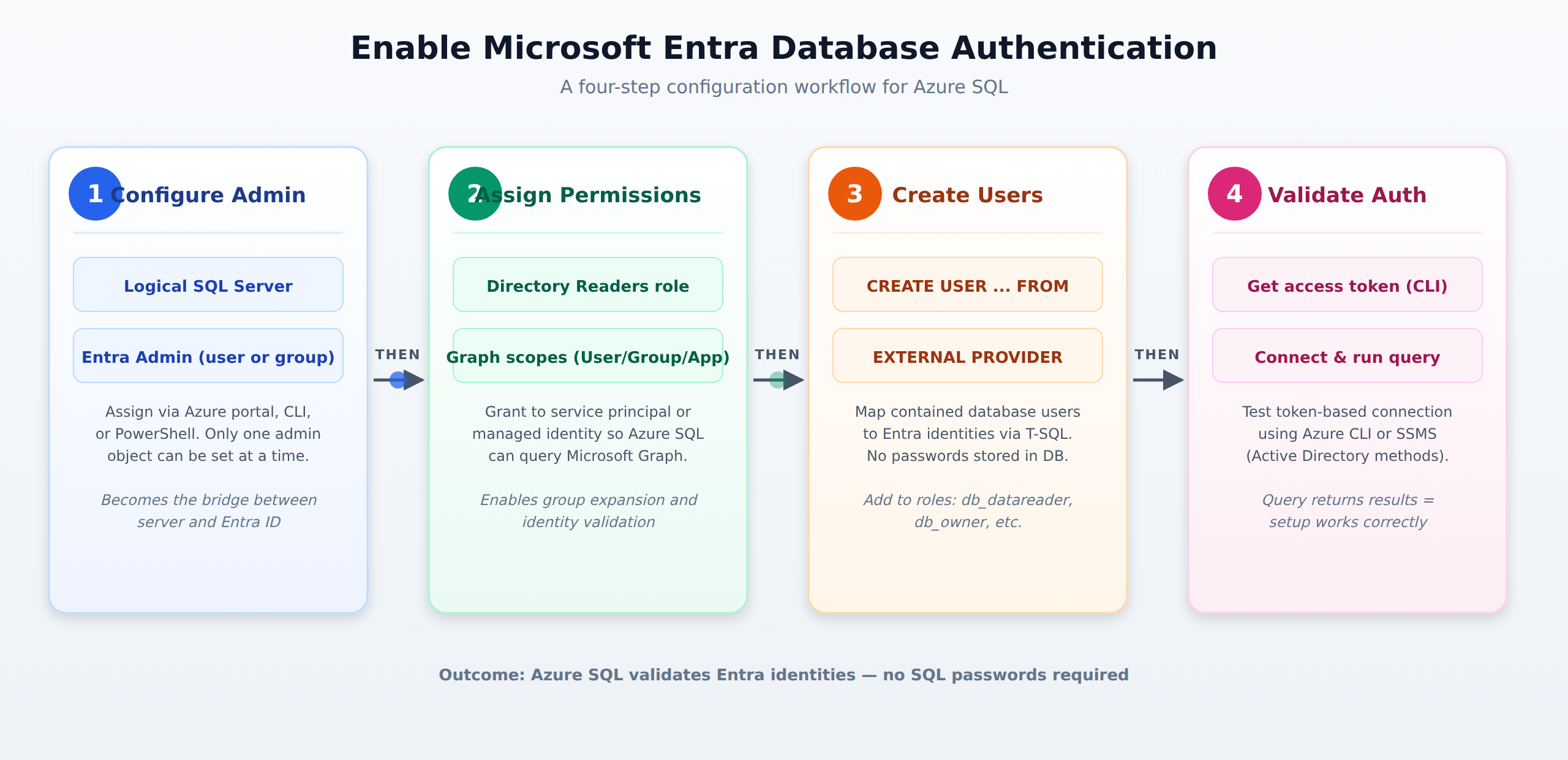
A horizontal process flow showing the four sequential steps to enable Microsoft Entra authentication on Azure SQL: configure the Entra admin, assign Directory Readers, create contained database users, and validate token-based connections.
In the Domain
Validating Authentication
You can validate authentication by testing token-based connections with the Azure CLI or SQL client tools. Using the CLI, run az account get-access-token --resource https://database.windows.net/ to get a short-lived access token, then use that token in your connection string to prove the setup works. In tools like SSMS, select Active Directory Integrated or Active Directory Managed Identity as your authentication method, then run a simple query to confirm you can access the database successfully. If the query returns results, your Entra authentication is working correctly.
Domain 1 of 5
Enable Microsoft Entra database authentication
Read the Domain summaryPractice this Domain
1 practice question
Practice this DomainLast updated